Stop Worrying About AI Taking Your QA Job — Start Using It as Your Testing Sidekick
By JJ ·
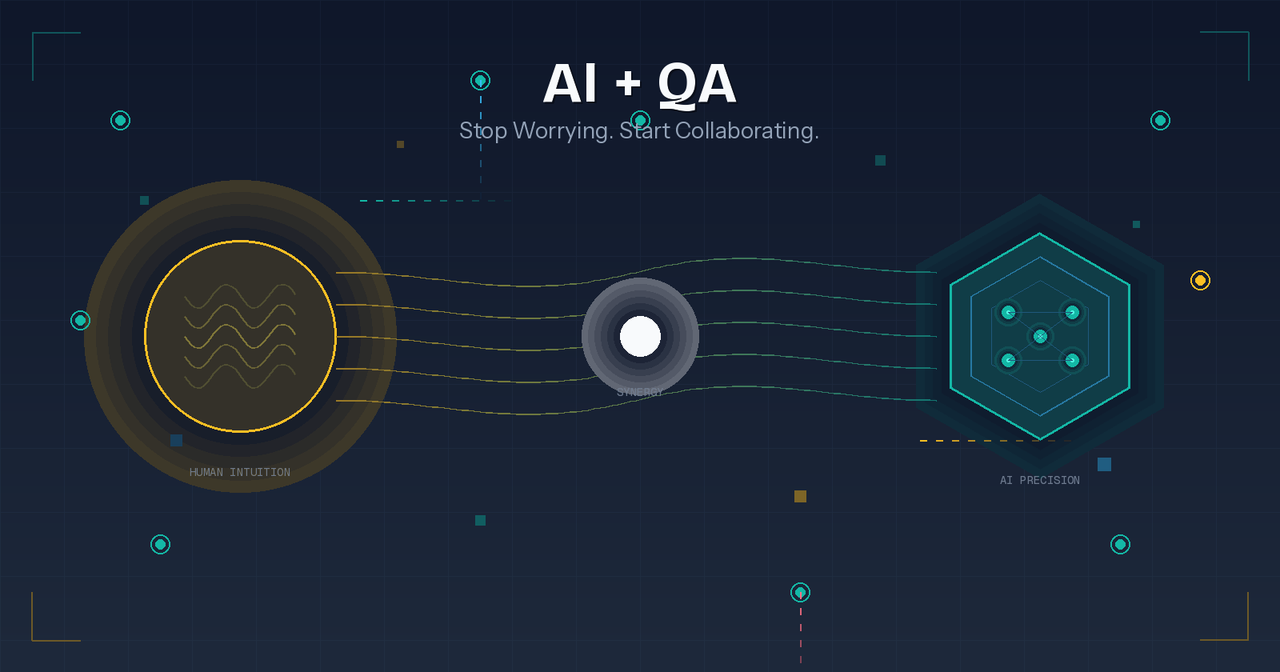
The conversation around AI in software testing often takes a fearful tone: "Will AI replace testers?" But after spending a day using AI tools to test a credit card web application, I've realized we're asking the wrong question. The real question is: "How can AI make me a better tester?" Here's what I learned.
The Test Data Problem We All Know Too Well
Every QA engineer knows the drill. You need to test a form with valid US phone numbers and Social Security Numbers. Traditionally, this means opening a browser tab, finding a data generator website, clicking through a few options, copying the results, pasting them into your test — rinse and repeat. It's tedious. It breaks your flow. And it adds up to hours of wasted time over a project. When I faced this exact situation yesterday, I tried something different. I asked Claude (via Cursor) to generate a Python script for creating test data. Within seconds, I had a reusable script producing valid phone numbers and SSNs on demand. No context switching. No clicking around websites. Just the data I needed, when I needed it.
Where AI Really Shines: Edge Cases from Regex
The more interesting challenge came when testing an address field. The developers had provided a regex pattern for validation, and I needed test data that would hit both valid and invalid scenarios. This is where AI demonstrated real value. Instead of manually crafting addresses that would pass or fail specific regex rules, I fed the pattern to Claude and asked for comprehensive test cases. It generated: Valid addresses covering various formats Invalid addresses targeting specific regex boundaries Edge cases I might not have thought of immediately Was it perfect? No. Some of the generated data was repetitive, and I had to iterate on my prompts to get better variety. But that's the key insight here — using AI effectively is a skill you develop over time. The initial friction is a learning curve, not a limitation.
The Scenario I Missed (And What It Taught Me)
Here's where things get humbling. Despite all my AI-assisted testing, I missed a straightforward scenario: a field that should accept 40 characters was only accepting 39. One character. That's all it took to slip past my testing. This wasn't an AI failure — it was a process gap. I was so focused on data validity that I overlooked basic field constraints. And it made me think: what if I had a tool that could instantly tell me what length a field actually accepts?
Building a Solution: The Field Length Checker Extension
Rather than dwelling on the missed bug, I decided to build something useful. I'm creating a Chrome extension that displays the maximum length a text field accepts. It's a simple tool, but it addresses a real gap in the testing workflow. When you're testing forms manually, you shouldn't have to inspect element every time you want to know a field's constraints. The information should be visible and immediate.
The Real Takeaway
AI isn't here to replace QA engineers. It's here to handle the repetitive, mechanical parts of our work so we can focus on what humans do best: critical thinking, edge case discovery, and understanding user behavior. Yes, there's a learning curve. Yes, you'll need to refine your prompts. Yes, you'll still miss bugs sometimes. But the testers who embrace AI as a tool — rather than fearing it as a threat — will be the ones who deliver better quality, faster. The question isn't whether AI will change QA. It already has. The question is whether you'll let it make you more effective.
What's your experience using AI in your testing workflow? I'd love to hear about the tools and techniques that have worked for you.